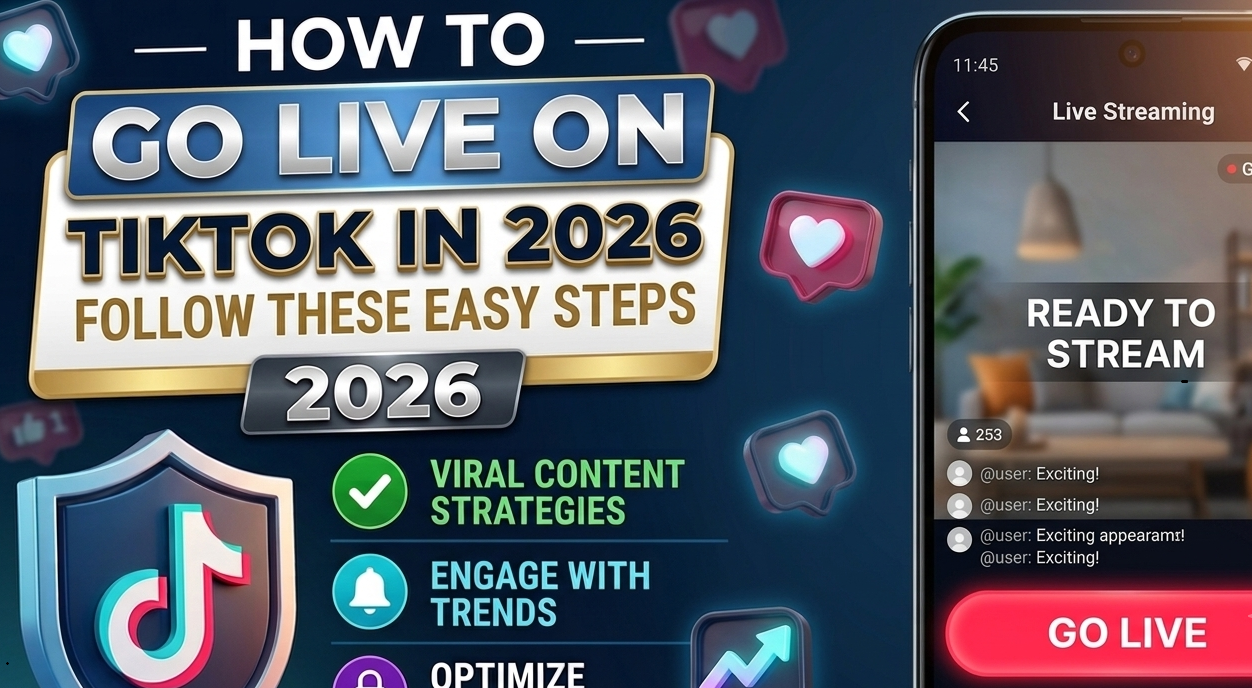
Going live on TikTok is a great way to connect with your audience in real time, answer questions, share your skills, and build a stronger community. Whether you are a content creator, influencer, gamer, or small business owner, TikTok LIVE can help you interact with your followers in a more personal way.
If you are wondering how to go live on TikTok in 2026, the process is quite simple. In this guide, we will explain the requirements, how to start a LIVE, how TikTok LIVE Coins and Gifts work, and some useful tips to make your live stream more successful.
What Is TikTok LIVE?
TikTok LIVE is a feature that allows creators to broadcast live videos to their followers and other TikTok users. During a LIVE session, viewers can watch, comment, and interact with the creator in real time.
Depending on your account and location, you may also be able to receive virtual Gifts from viewers. These Gifts can be converted into Diamonds and may be eligible for rewards according to TikTok’s policies.
What Are the Requirements to Go LIVE on TikTok?
Before you try to start a LIVE video, make sure your account meets TikTok’s current eligibility requirements. TikTok may update its rules from time to time, and some features can vary by country or region.
Generally, you may need to:
- Be at least 18 years old to host a LIVE.
- Meet TikTok’s minimum follower requirement for LIVE access.
- Have an account in good standing.
- Follow TikTok’s Community Guidelines and LIVE policies.
- Have the LIVE feature available in your region.
If you do not see the LIVE option, your account may not currently meet the requirements, or the feature may not be available in your location.
How to Go LIVE on TikTok in 2026
Once your account is eligible, you can start a TikTok LIVE by following these simple steps.
Step 1: Open the TikTok App
Open the TikTok app on your smartphone and log in to your account. Make sure you are using the latest version of the app for the best experience.
Step 2: Tap the Plus (+) Button
Look at the bottom of the TikTok screen and tap the + button. This is the same button you normally use when creating a new TikTok video.
Step 3: Select the LIVE Option
At the bottom of the recording screen, swipe through the available options until you find LIVE. Tap on it to prepare your live stream.
If you cannot find the LIVE option, check whether your account meets TikTok’s eligibility requirements.
Step 4: Add a LIVE Title
Write a short and interesting title for your LIVE session. Your title should clearly tell viewers what your stream is about.
For example:
- Ask Me Anything LIVE
- Let’s Talk About TikTok Tips
- Live Q&A With My Followers
- Gaming LIVE
- Learn Something New Today
A clear title can help viewers understand what they can expect from your stream.
Step 5: Check Your LIVE Settings
Before starting, review your LIVE settings. Depending on the features available to your account, you may be able to adjust options related to comments, moderators, filters, and other LIVE controls.
Take a moment to check your camera, microphone, and internet connection before you begin.
Step 6: Tap “Go LIVE”
When everything is ready, tap Go LIVE. TikTok will start your live stream, and viewers will be able to join and interact with you.
Try to stay active and respond to comments whenever possible. This can make your LIVE session more enjoyable for your audience.
How to End a TikTok LIVE
When you are ready to finish your live stream, look for the option to end the LIVE session. Confirm that you want to stop the stream, and TikTok will close your LIVE.
After ending your LIVE, you may be able to access information about your session, depending on the features available to your account.
What Are TikTok LIVE Coins?
TikTok Coins are virtual items that users can purchase within TikTok and use for certain virtual features, including sending Gifts to creators during eligible LIVE sessions.
Coins do not work like regular cash. Their availability, pricing, and use can vary depending on the user’s country, platform, and TikTok’s current policies.
If you plan to use TikTok Coins, always check the latest information inside the TikTok app and use official TikTok payment options.
How Do TikTok LIVE Gifts Work?
During eligible LIVE sessions, viewers can send virtual Gifts to creators. Viewers use TikTok Coins to purchase Gifts, which can then be sent during a LIVE.
The general process works like this:
- A viewer purchases TikTok Coins.
- The viewer uses Coins to send a virtual Gift during an eligible LIVE.
- The creator receives the applicable virtual reward according to TikTok’s system.
- Eligible creators may receive Diamonds or other rewards based on TikTok’s policies.
The value and availability of these features can change, so creators should check TikTok’s official rules and account information for the latest details.
How to Get More Viewers on TikTok LIVE
Starting a LIVE is easy, but getting people to stay and watch requires some planning. Try these simple tips to improve your LIVE sessions.
Choose an Interesting Topic
Give viewers a reason to join. You can host a Q&A, teach something useful, discuss a trending topic, play games, or simply chat with your followers.
Promote Your LIVE Before Starting
Create a TikTok video before your LIVE and tell your followers when you will be streaming. You can also share the announcement on your other social media platforms.
Use a Clear LIVE Title
A good title quickly explains what your LIVE is about. Keep it short, clear, and interesting.
Interact With Your Viewers
Read comments and respond to questions whenever possible. Mentioning viewers by name and answering their questions can make your audience feel more involved.
Go LIVE Consistently
If you stream regularly, your followers may learn when to expect you online. Choose a schedule that you can maintain without putting too much pressure on yourself.
Improve Your Video and Audio Quality
Use good lighting and make sure your microphone is clear. A stable internet connection can also help prevent interruptions during your LIVE.
Can You Go LIVE on TikTok Without 1,000 Followers?
TikTok’s LIVE eligibility requirements can change over time and may vary by account or region. Many users have traditionally needed to meet a minimum follower requirement to access LIVE, but TikTok may test or introduce different eligibility rules in certain locations.
If you do not see the LIVE option, check your account’s current eligibility and TikTok’s latest requirements.
Why Can’t I Go LIVE on TikTok?
There can be several reasons why the LIVE option is not available on your account. Your account may not meet the minimum age or follower requirements, the feature may not be available in your region, or your account may have restrictions.
You can try updating the TikTok app, checking your account status, and reviewing TikTok’s current LIVE requirements.
Tips to Stay Safe While Going LIVE
When you go LIVE, remember that your content is visible to other people in real time. Avoid sharing private information such as your home address, phone number, passwords, or financial details.
It is also a good idea to use TikTok’s available moderation tools and block or report users who violate the platform’s rules.
Final Thoughts
Learning how to go live on TikTok in 2026 is simple once your account meets TikTok’s requirements. Just open the app, tap the + button, select LIVE, add a title, check your settings, and tap Go LIVE.
For the best results, focus on creating useful or entertaining content and interact with your viewers throughout the stream. With consistent LIVE sessions and a clear topic, you can build stronger connections with your TikTok audience and grow your online community.