WhatsApp is one of the most popular messaging apps for staying connected with friends, family, and coworkers. However, your chats may contain private conversations, photos, videos, and other personal information that you do not want others to see.
If someone can access your phone, they may also be able to open your WhatsApp chats. This is why many users look for additional ways to protect their private conversations.
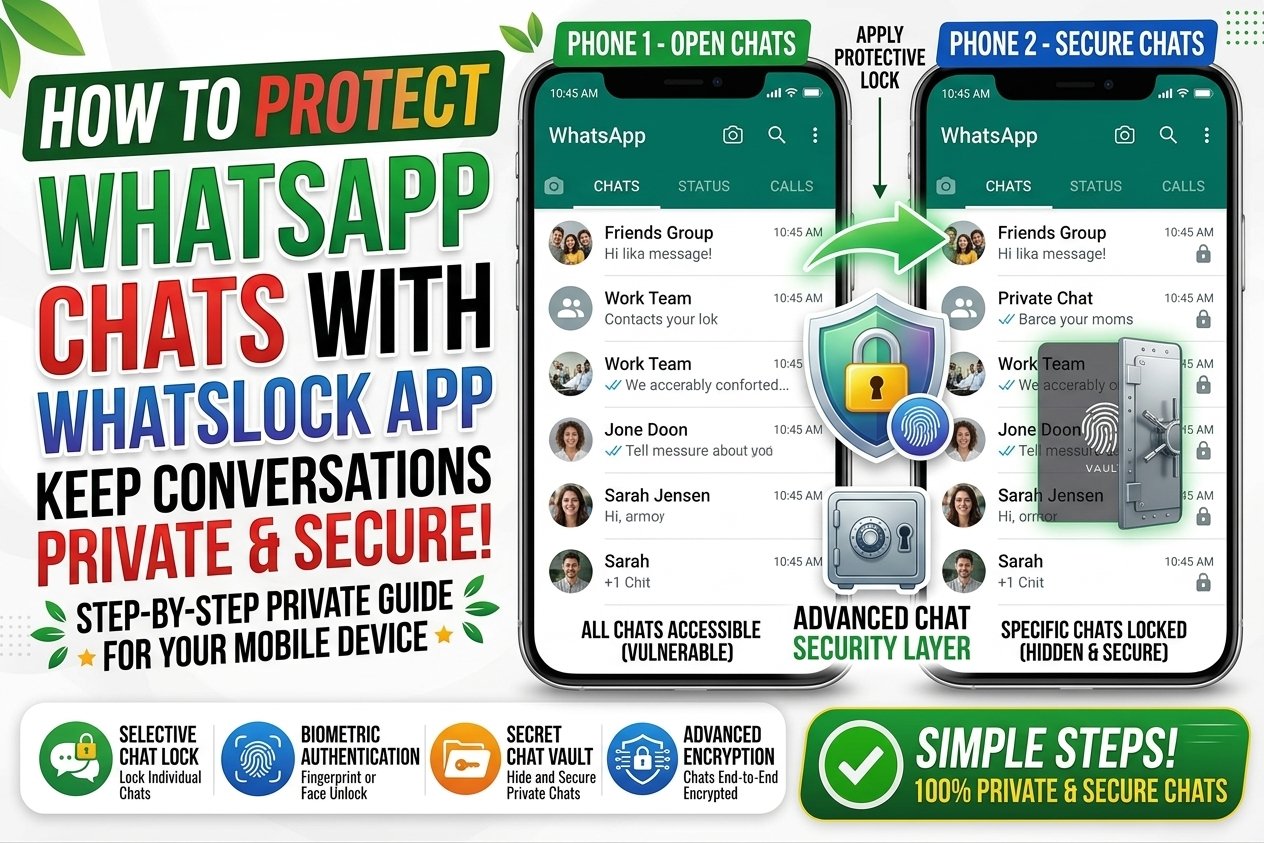
WhatsLock is an app designed to add an extra layer of protection to WhatsApp and other apps. In this guide, you will learn what WhatsLock is, how it can help protect your chats, and some important safety tips to keep in mind.
What Is WhatsLock App?
WhatsLock is a privacy and app-locking tool that can help users protect selected applications on their smartphones.
Depending on the version and device, an app like WhatsLock may allow you to set a password, PIN, or other lock method before opening protected apps.
The main purpose is simple: prevent unauthorized people from opening your private apps when they have access to your phone.
WhatsLock may be useful for people who want an additional privacy layer for WhatsApp and other personal applications.
Why Protect WhatsApp Chats?
Your WhatsApp account can contain a lot of personal information. Protecting it can help prevent unwanted access.
To protect private conversations. Your chats may contain personal messages that you do not want others to read.
To protect photos and videos. WhatsApp conversations often include personal media files and documents.
To prevent unauthorized access. If someone gets access to your unlocked phone, an app lock can provide another security step.
To improve privacy. Extra protection can give you more control over who can access your apps.
How to Protect WhatsApp with WhatsLock
1. Install WhatsLock from a Trusted Source
First, install the WhatsLock app from a trusted and legitimate source that is compatible with your device.
Before installing any app, check its developer information, permissions, reviews, and reputation.
Avoid downloading modified or suspicious versions because they may contain unwanted software.
2. Open WhatsLock and Set a Lock
After installing the app, open WhatsLock and follow its setup instructions.
You may be asked to create a PIN, password, or another security method.
Choose a lock that other people cannot easily guess. Avoid simple combinations such as 1234 or your birthday.
3. Select WhatsApp
Once the security method is configured, look for WhatsApp in the list of applications available for protection.
Select WhatsApp and enable the app lock.
The exact options may be different depending on the WhatsLock version and your Android device.
4. Test the Protection
After enabling the lock, close WhatsApp and try opening it again.
If everything is configured correctly, WhatsLock should require the security method before allowing access.
Testing the lock is important because it confirms that the protection is working as expected.
5. Keep Your Password Private
Never share your WhatsLock PIN or password with other people.
If someone knows your security code, they may be able to access your protected apps.
Choose a password that is easy for you to remember but difficult for others to guess.
Other Ways to Protect WhatsApp
Using an app-locking tool is not the only way to improve WhatsApp security.
Use WhatsApp’s built-in security features. WhatsApp provides privacy and security settings that can help protect your account and conversations.
Enable your phone’s screen lock. A strong device PIN, password, or biometric lock is an important first layer of protection.
Keep WhatsApp updated. Installing updates can provide security improvements and bug fixes.
Enable two-step verification. This can add another layer of protection to your WhatsApp account.
Avoid unknown apps. Installing apps from unreliable sources can put your personal information at risk.
What You Should Check Before Using WhatsLock
Before giving any app permission to protect or monitor another application, check what permissions it requests.
Be careful if an app asks for permissions that do not seem necessary for its main function.
You should also:
- Download apps from trusted sources
- Check the developer name
- Read recent user reviews
- Review requested permissions
- Avoid modified APK files
- Keep your phone updated
Privacy apps can be useful, but you should also make sure the privacy app itself is trustworthy.
Pros and Cons of Using WhatsLock
Pros:
- Adds an extra privacy layer
- Can help prevent unwanted app access
- Easy to set up on supported devices
- Useful for protecting personal apps
- Can work alongside your phone’s screen lock
Cons:
- Features may vary between versions
- Some devices may not support every feature
- Third-party apps may require sensitive permissions
- Forgetting the lock password can cause problems
- An unreliable app may create privacy risks
Practical Tips to Keep WhatsApp Safe
Use a strong phone lock. Your phone’s main security should always be enabled.
Keep your passwords private. Never share your WhatsApp or app-lock security codes.
Review linked devices. Check your WhatsApp account regularly and remove devices you do not recognize.
Avoid suspicious links. Do not open unknown links or download files from suspicious contacts.
Use official apps. Avoid modified WhatsApp versions and unknown security tools.
Update regularly. Keep WhatsApp and your phone’s operating system updated for better security.
Conclusion
Protecting your WhatsApp chats is important because your conversations may contain private messages, photos, documents, and other personal information.
WhatsLock can provide an additional layer of protection by locking access to WhatsApp and other selected applications on supported devices.
However, an app lock should not be your only security measure. Use a strong phone lock, keep WhatsApp updated, protect your passwords, and avoid suspicious applications.
By combining these simple security practices, you can keep your WhatsApp chats more private and reduce the risk of unauthorized access.